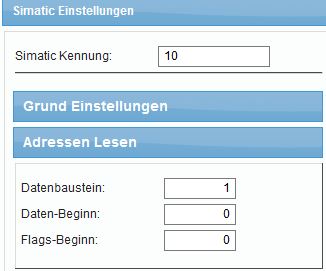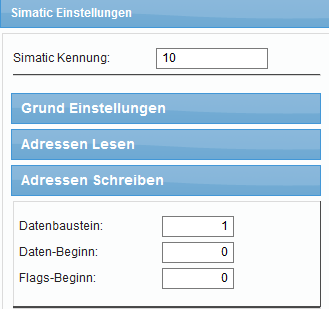
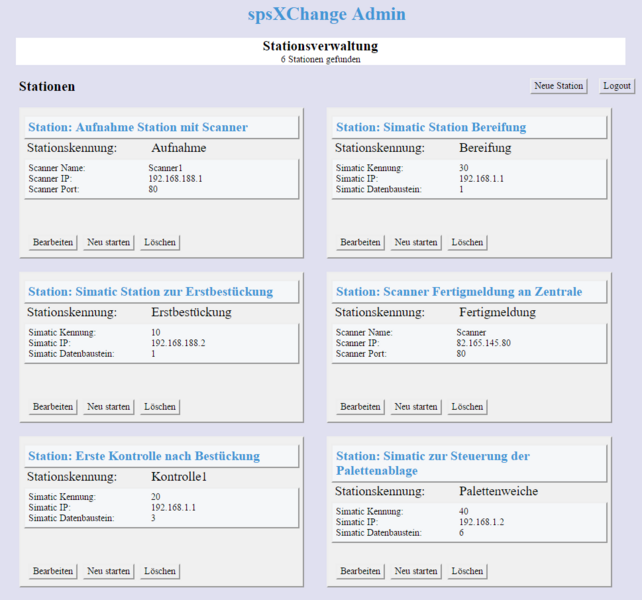
spsXChange can monitor several stations within a production process
spsXChange can simultaneously monitor several production stations with S7 and/or scanner. The number is limited by the performance of the computer.
Using the administrator interface, the settings for each station can be conveniently managed from anywhere in the network via a browser.
Each station is listed in the administrator interface and the settings for Simatic or scanner can be customised.
Stations can be removed and added.
Access to this module is password protected.
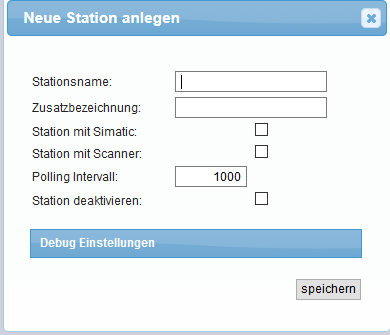
Individual stations can be set up for Simatic and scanners
In the station settings, you can specify whether a Simatic s7 should be monitored or an IP scanner.
It is also possible to set and configure both in one station.
Stations can also be temporarily deactivated.
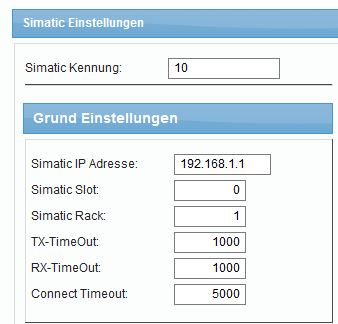
Simatic basic settings
For Simatic control via TCP/IP, the basic values are set in the station settings.
The IP address, slot, rack and individual time-outs are set.